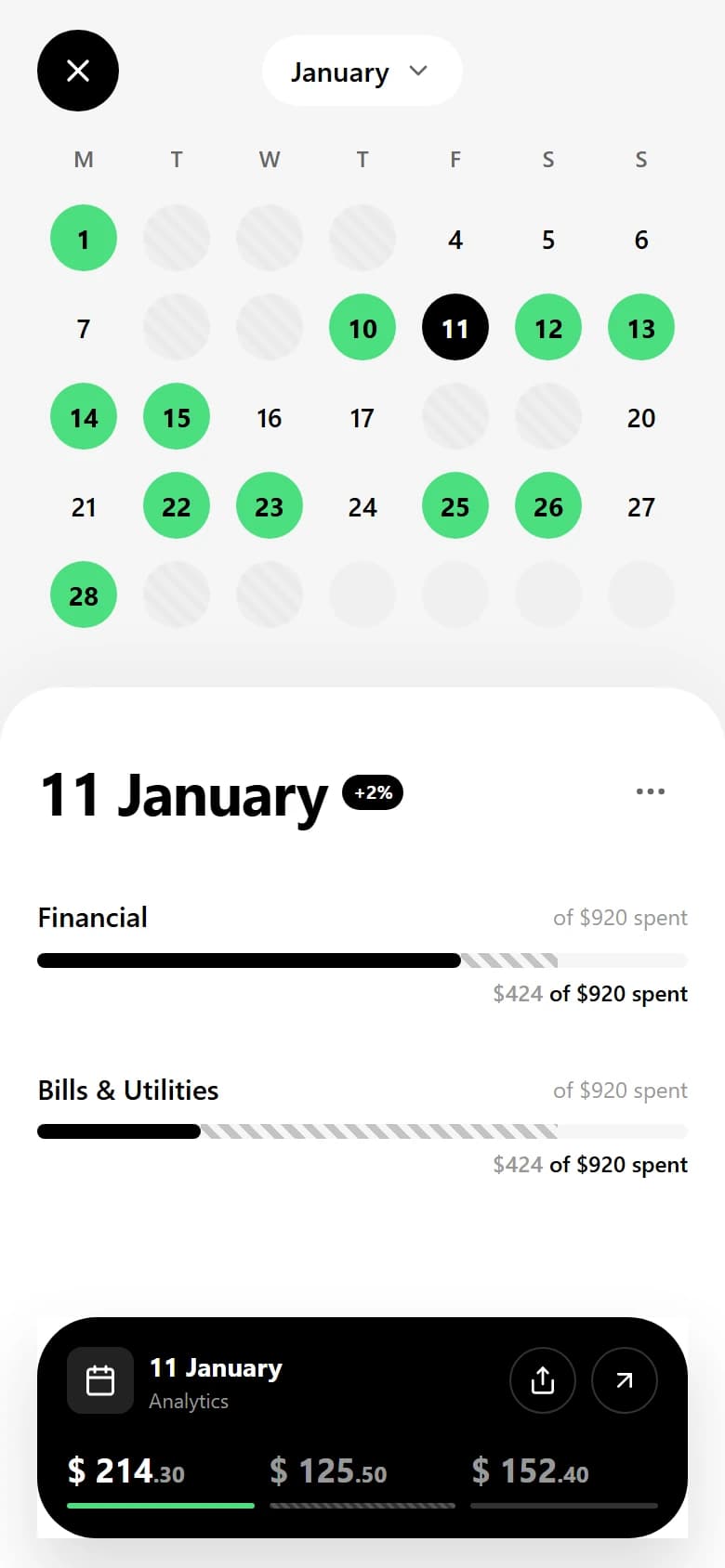
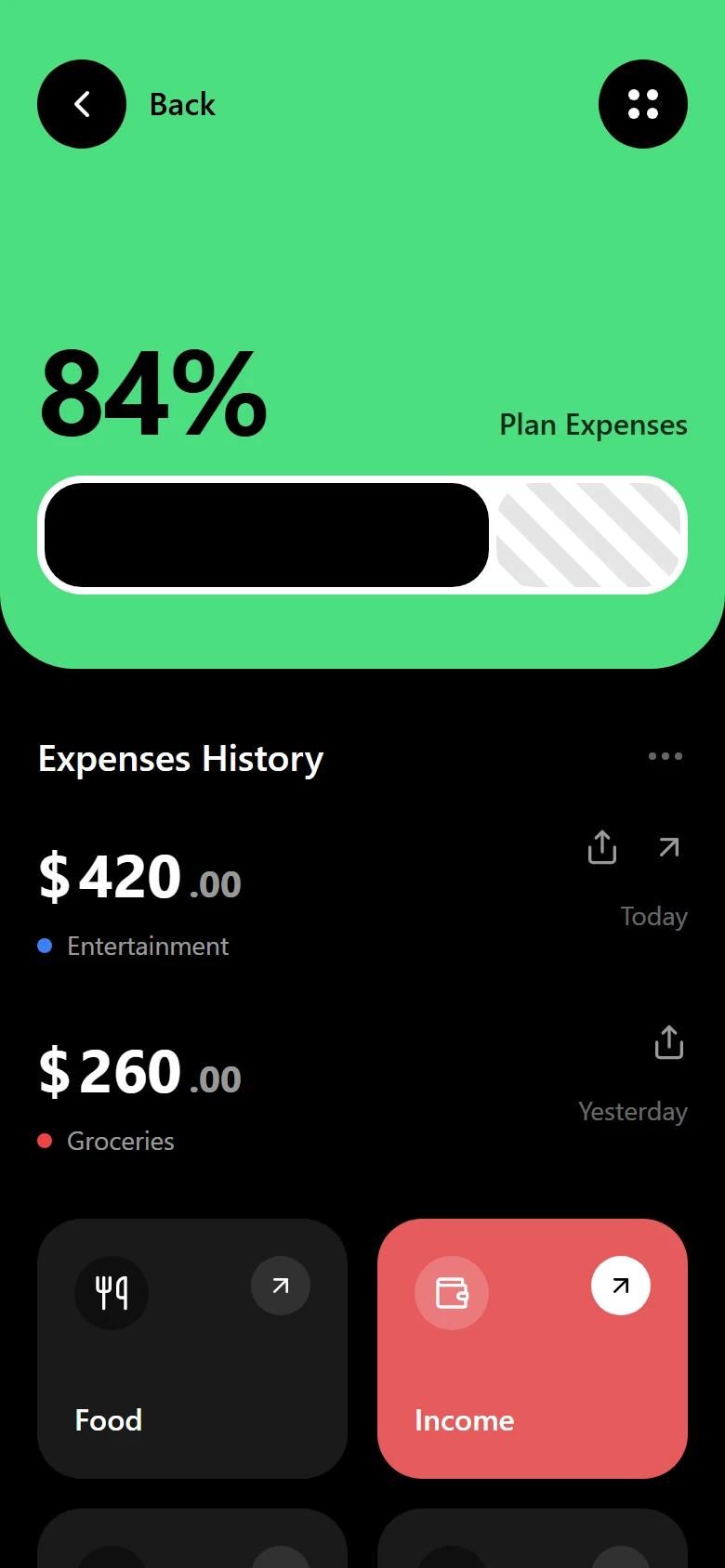
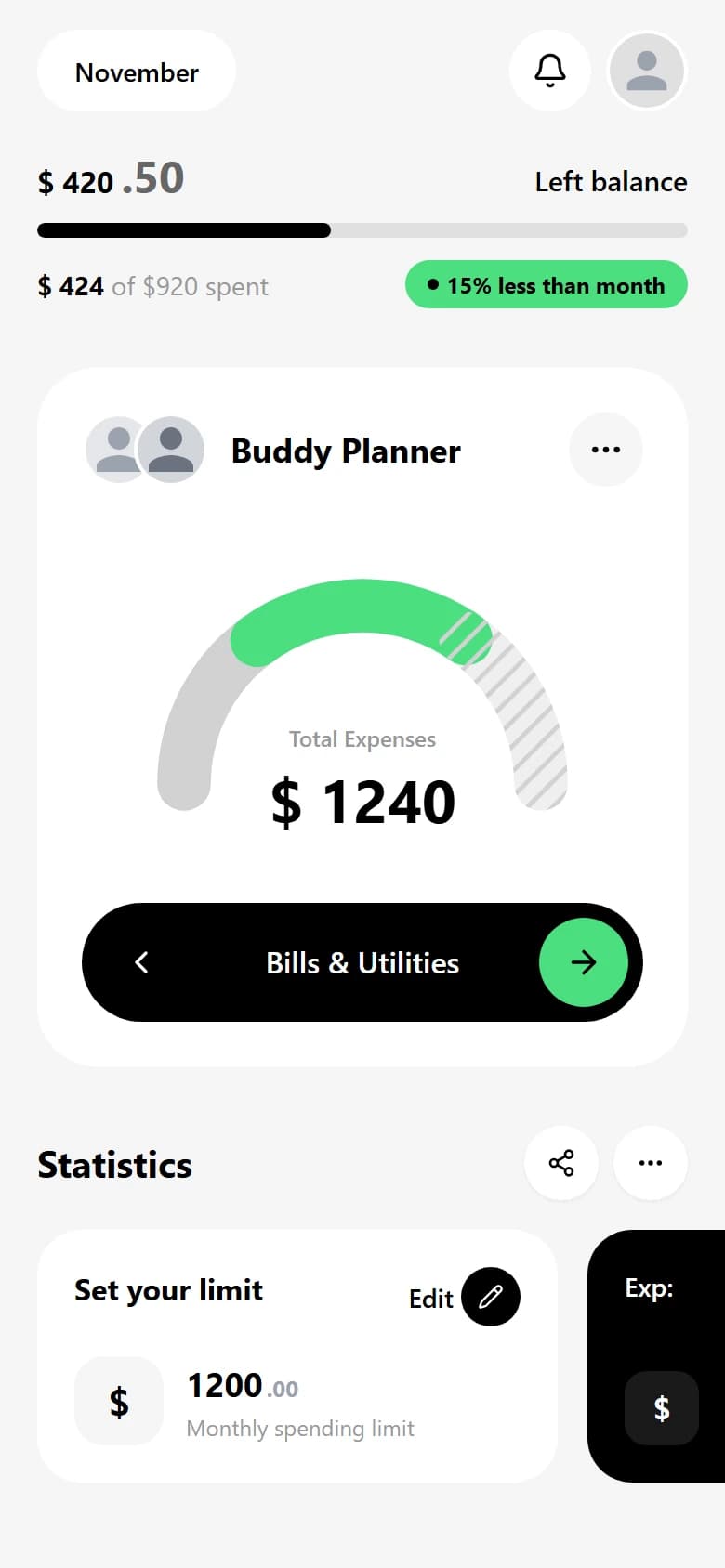
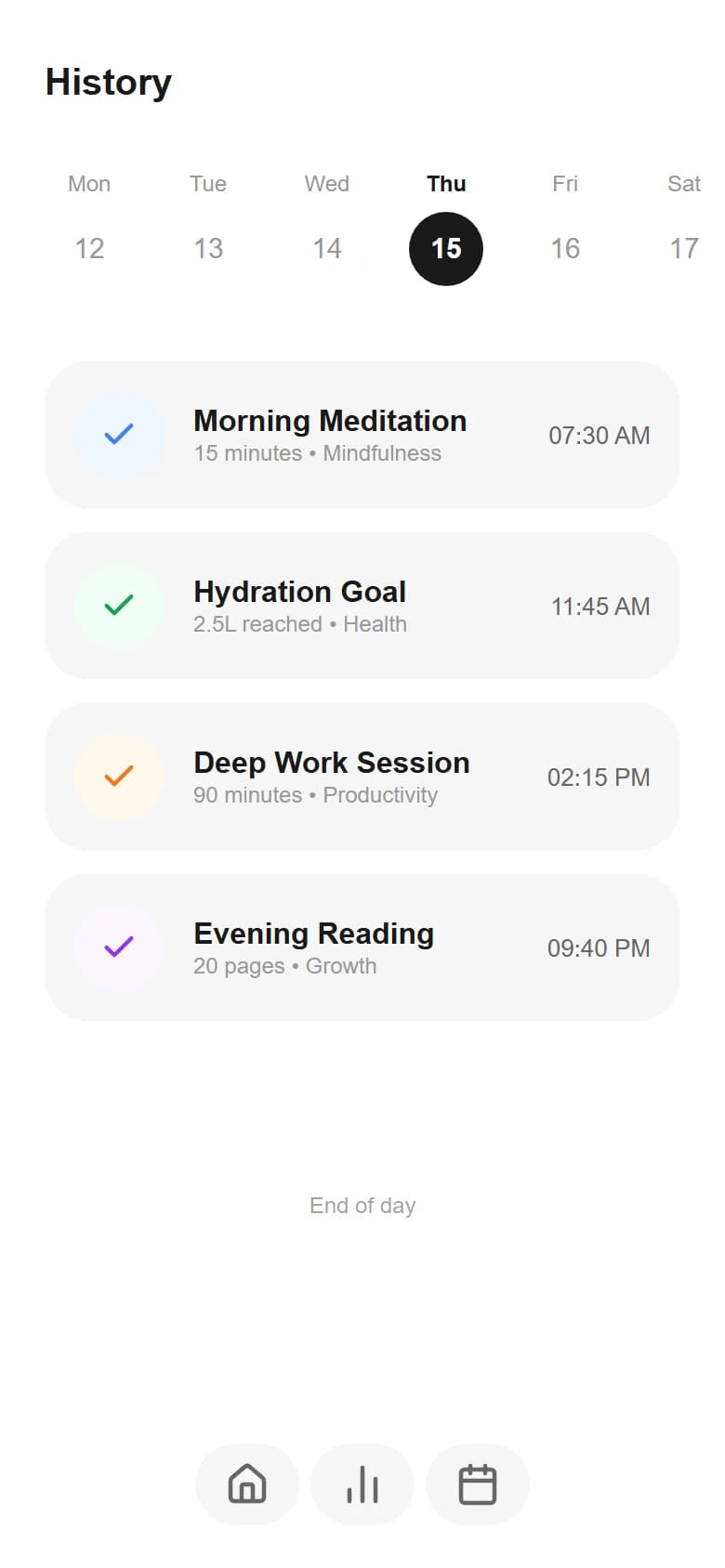
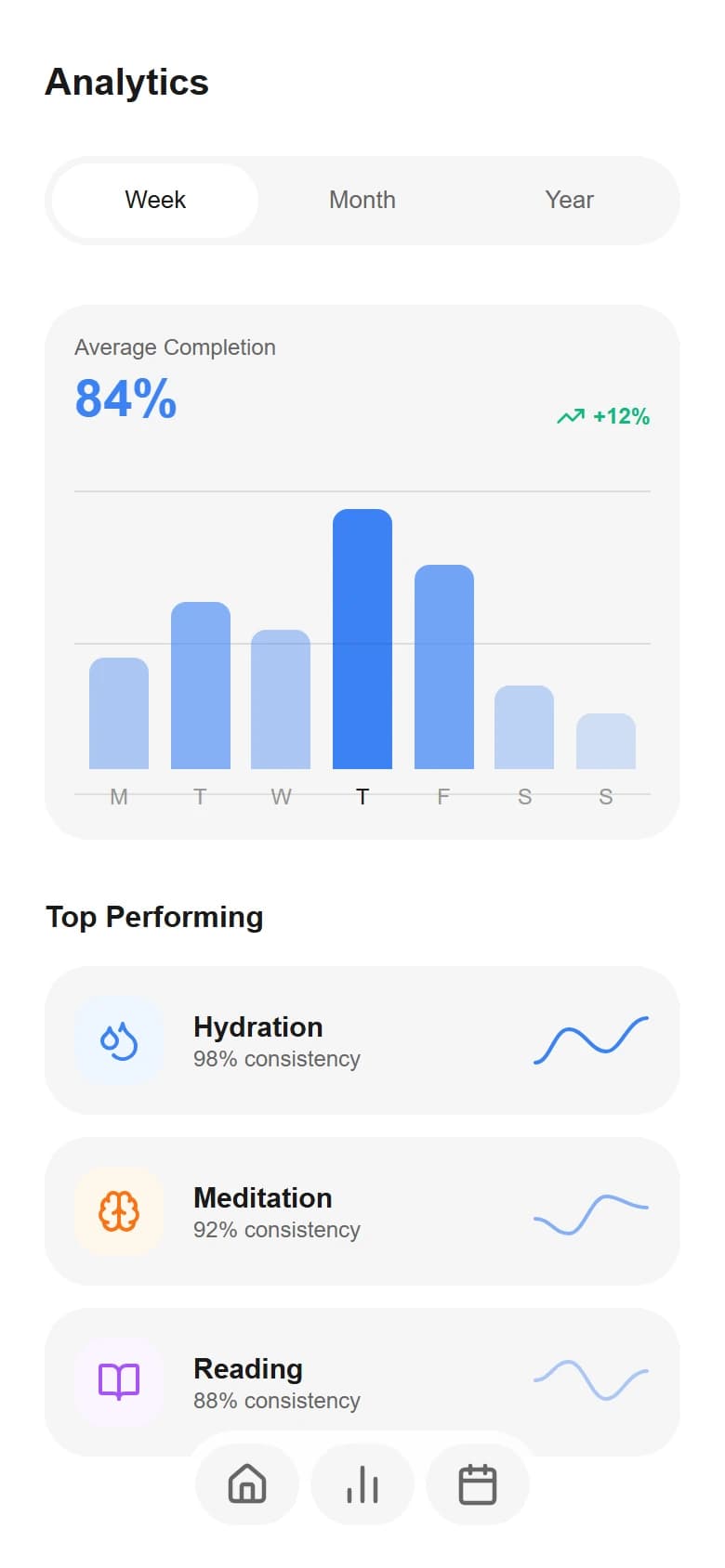
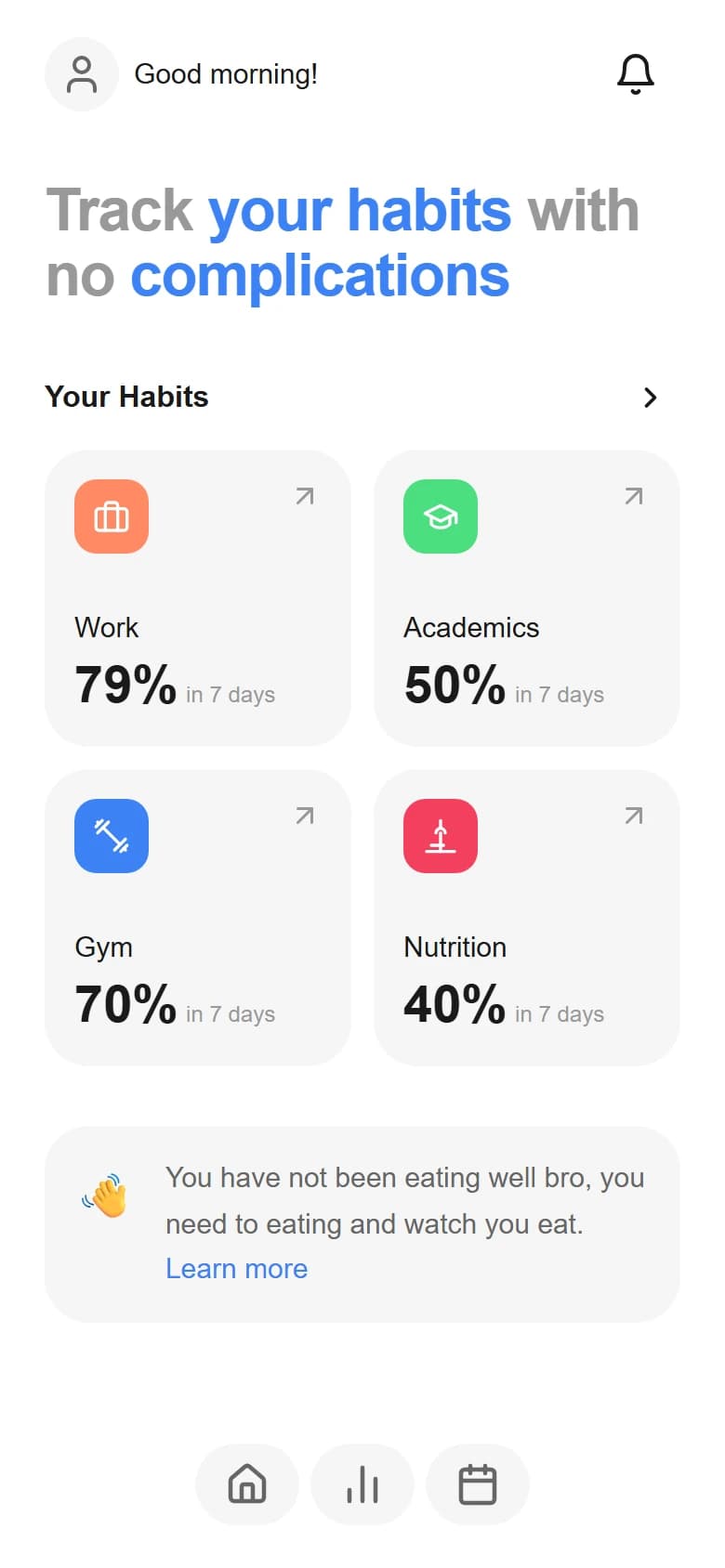
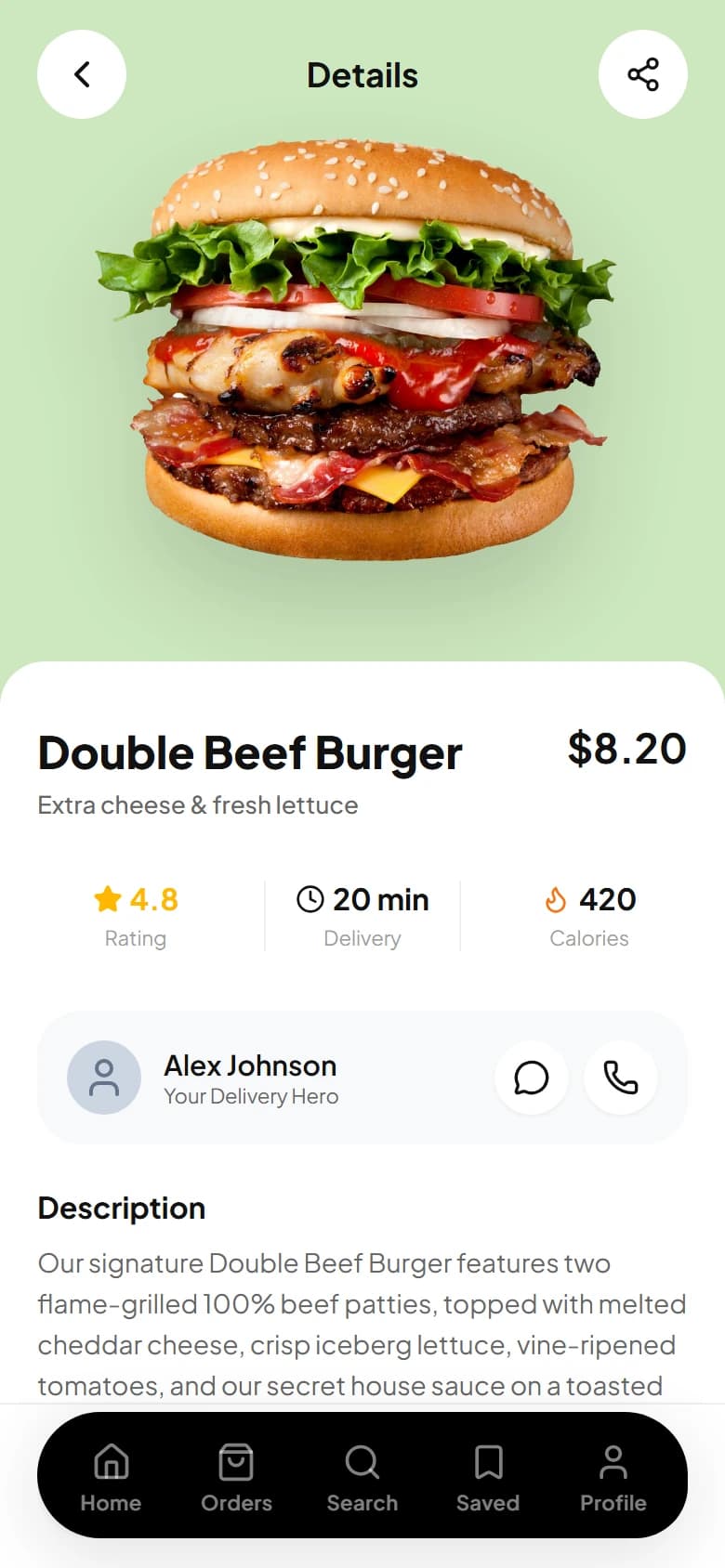
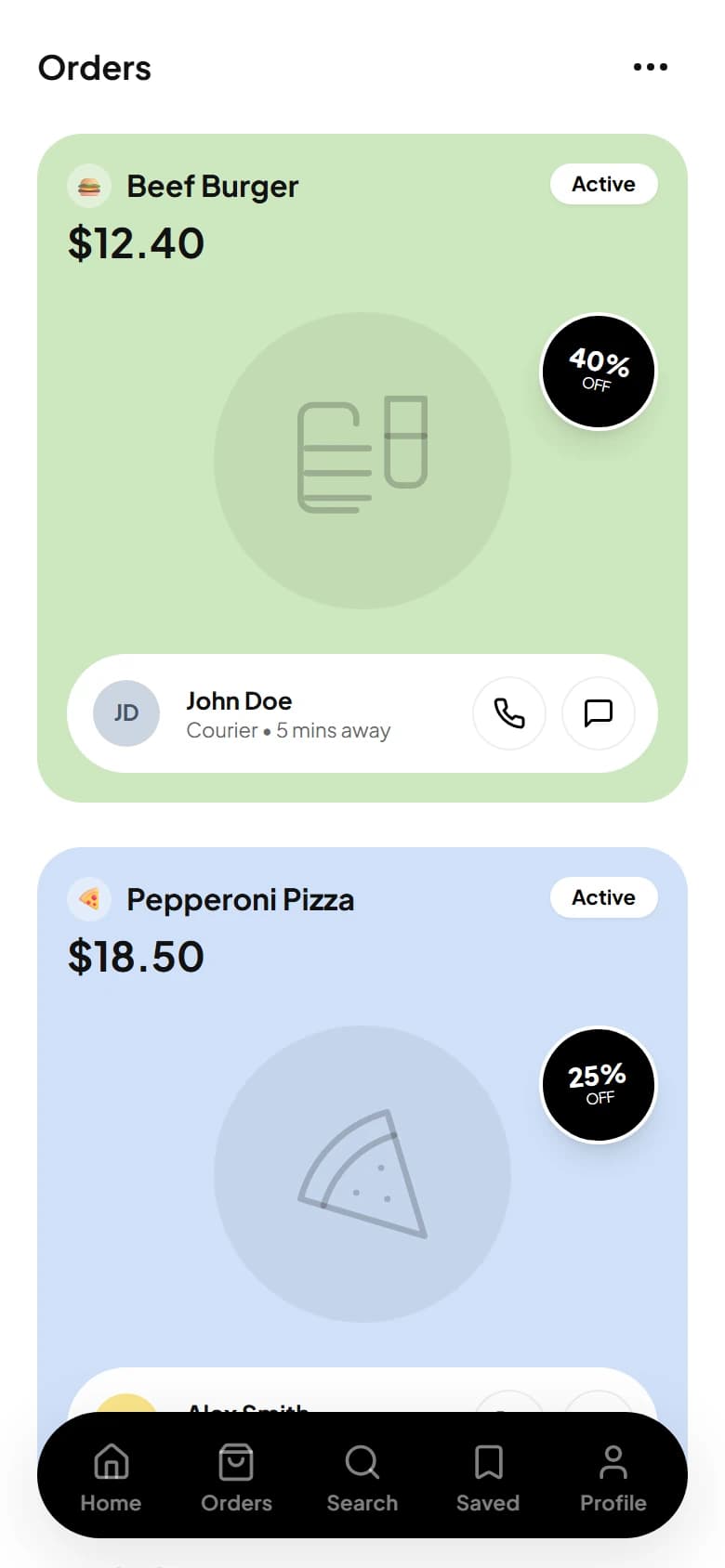
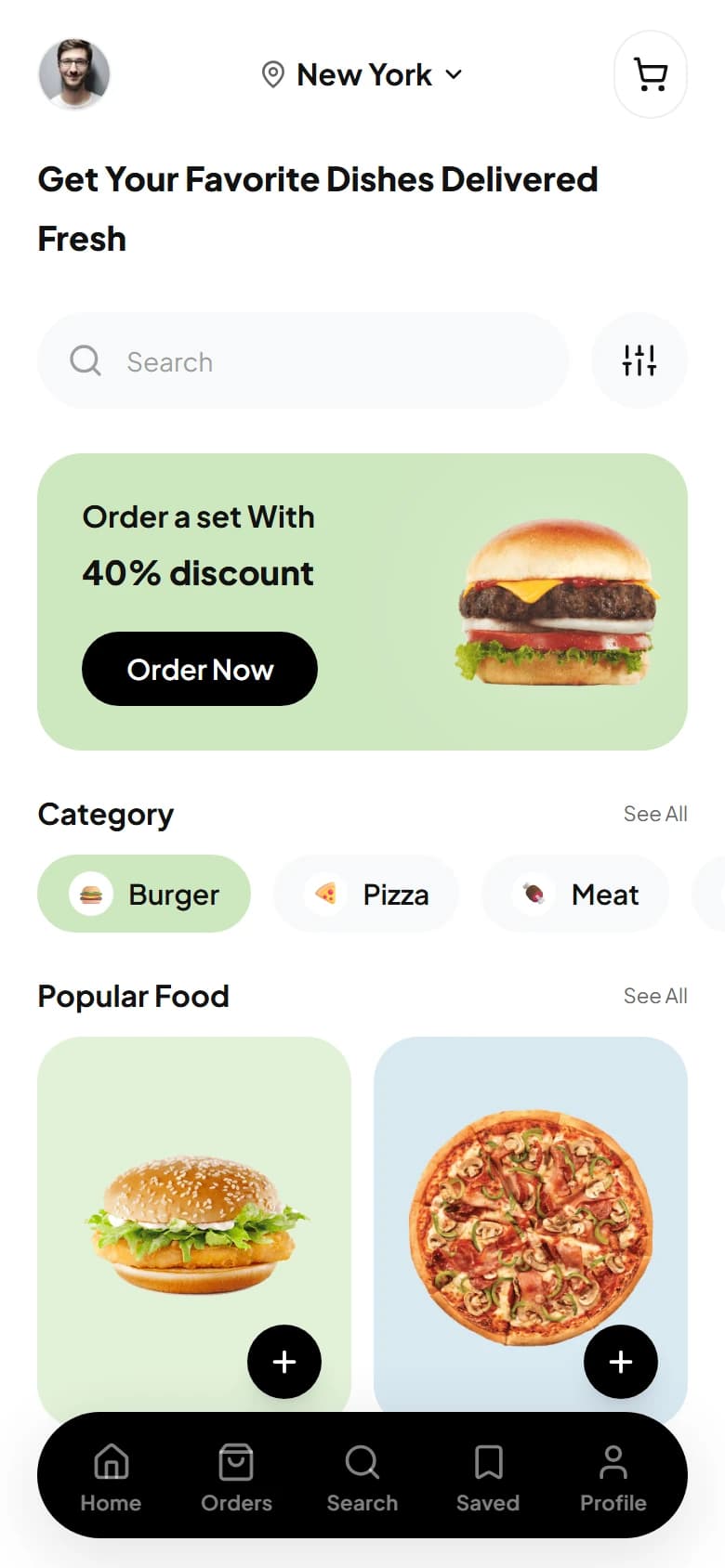
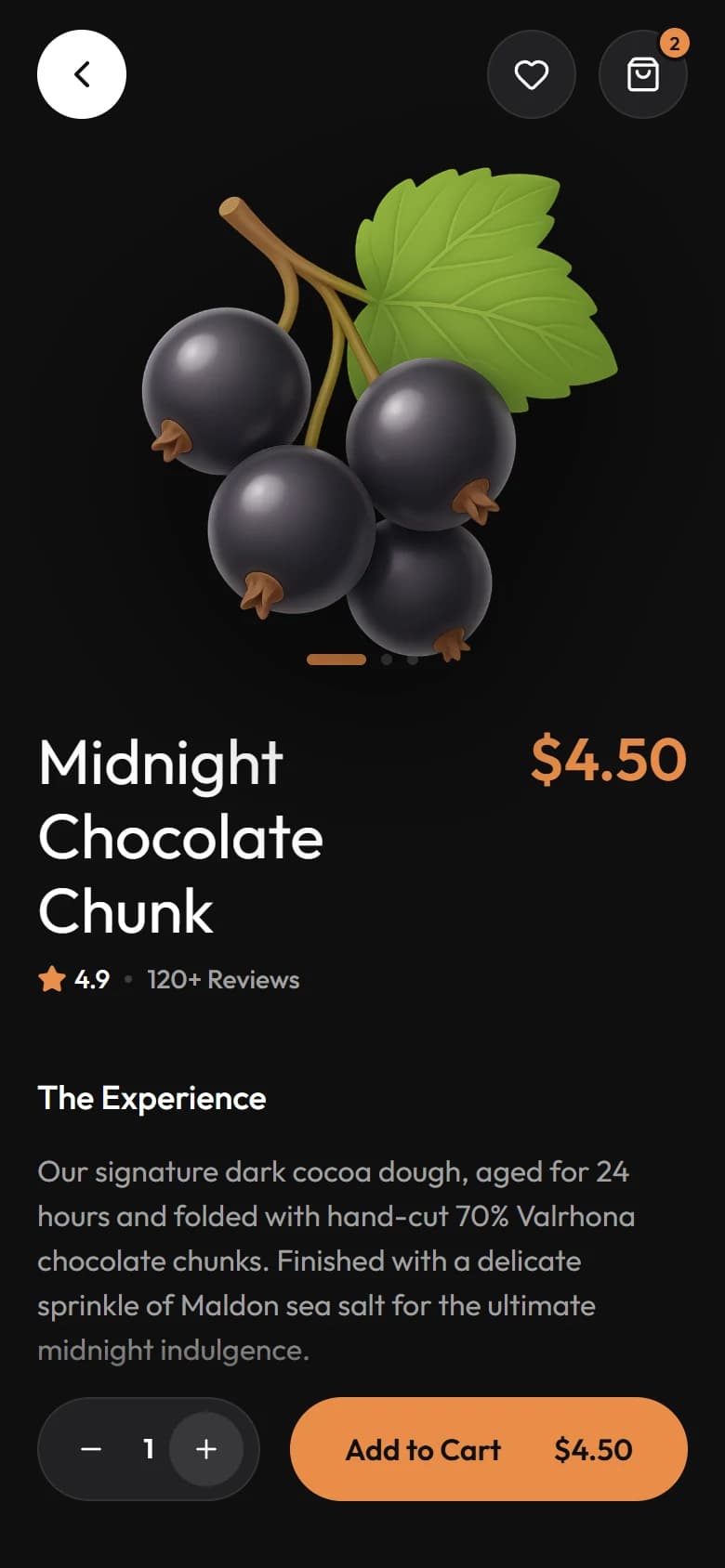
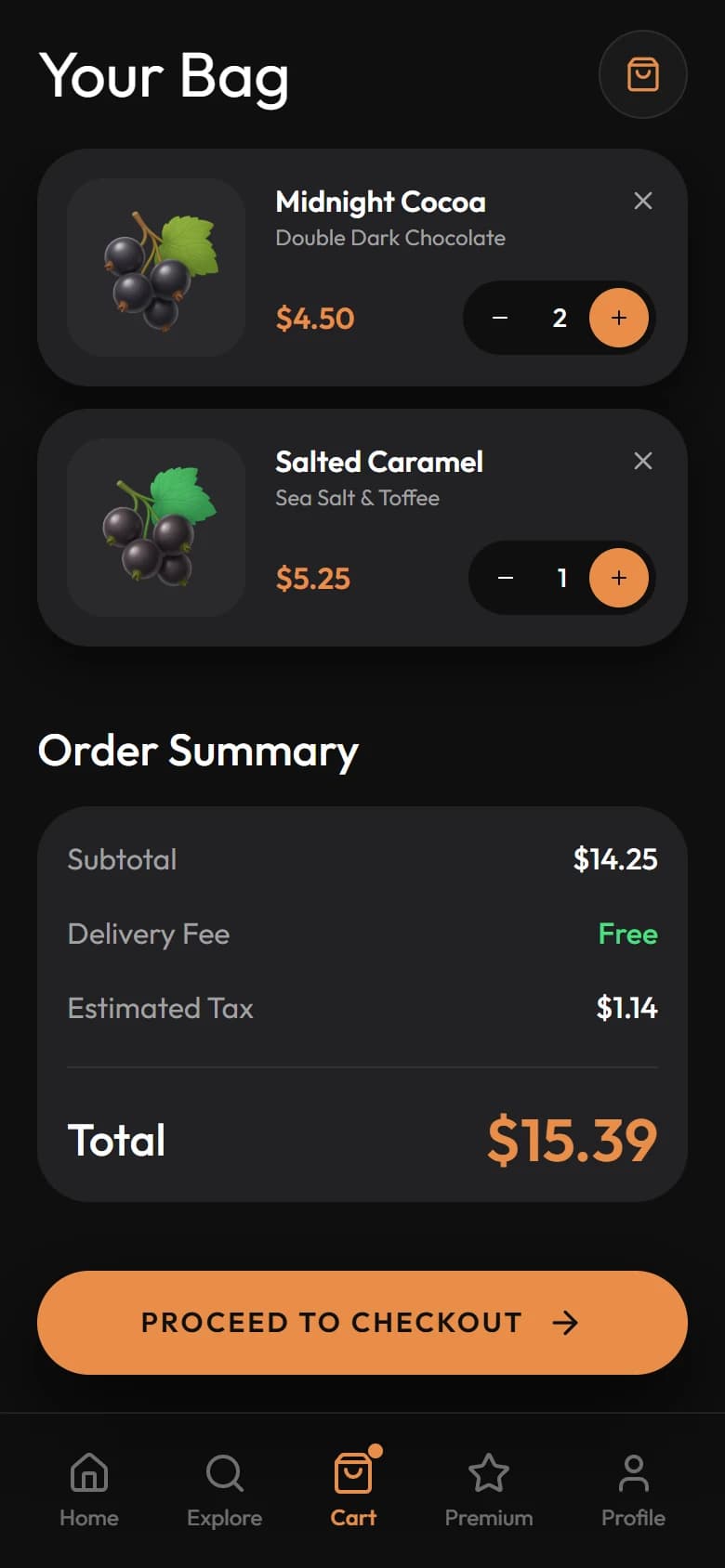
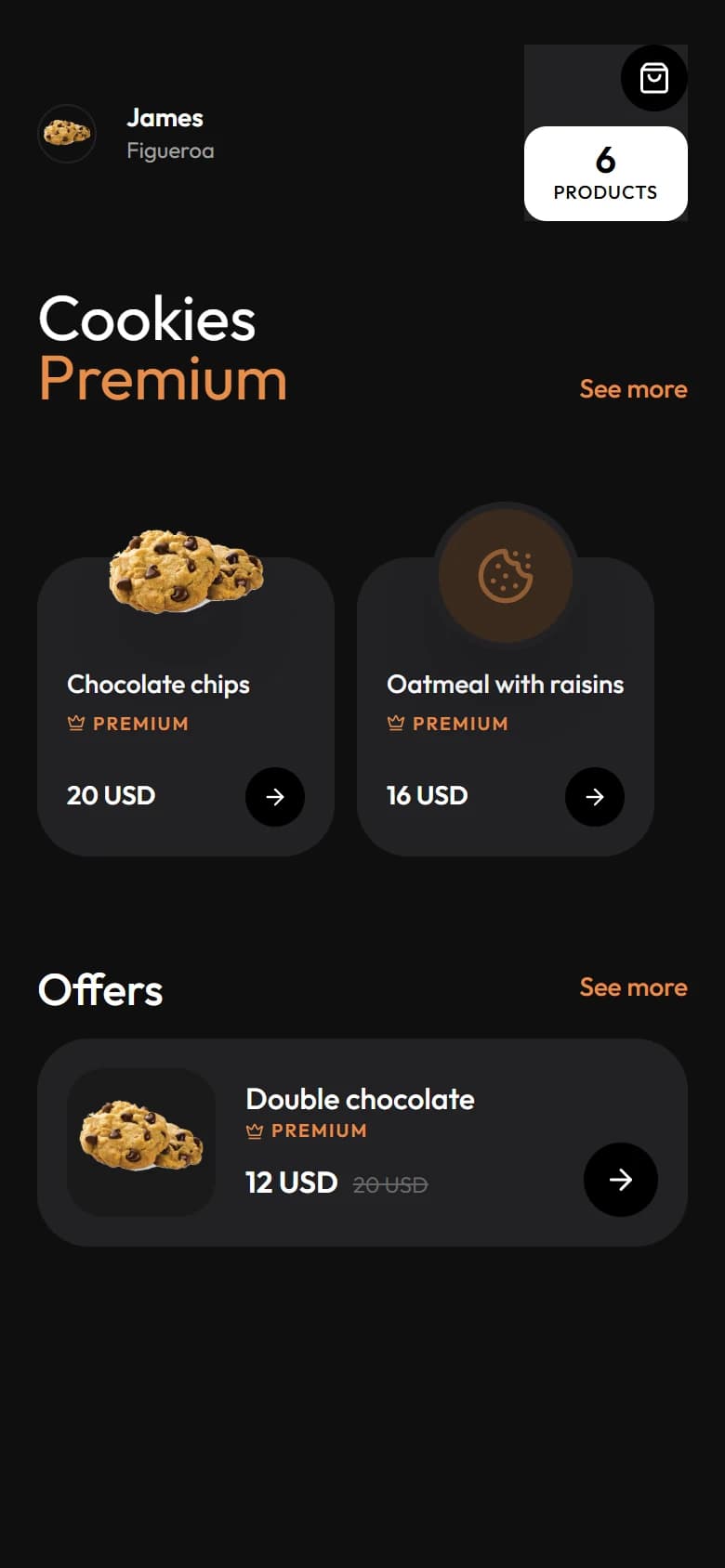
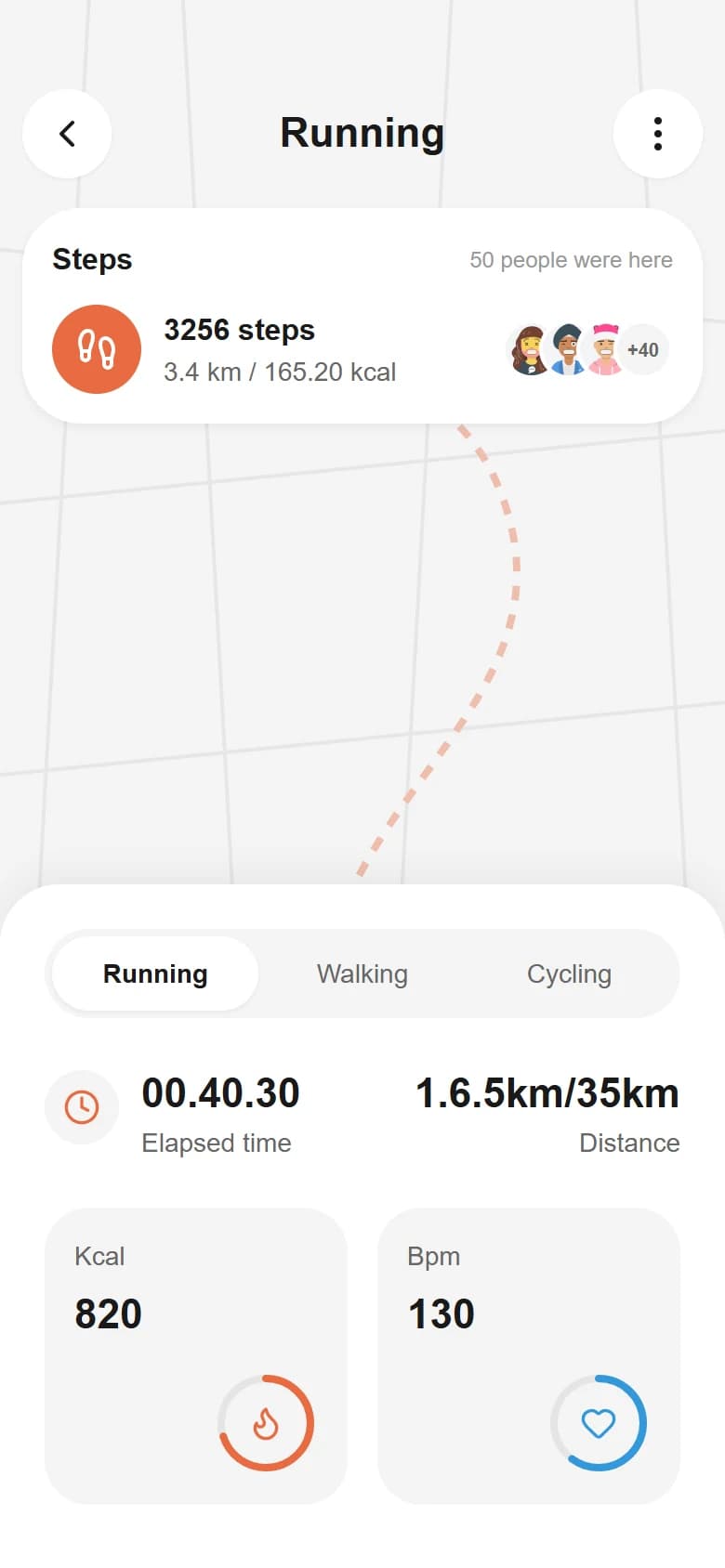
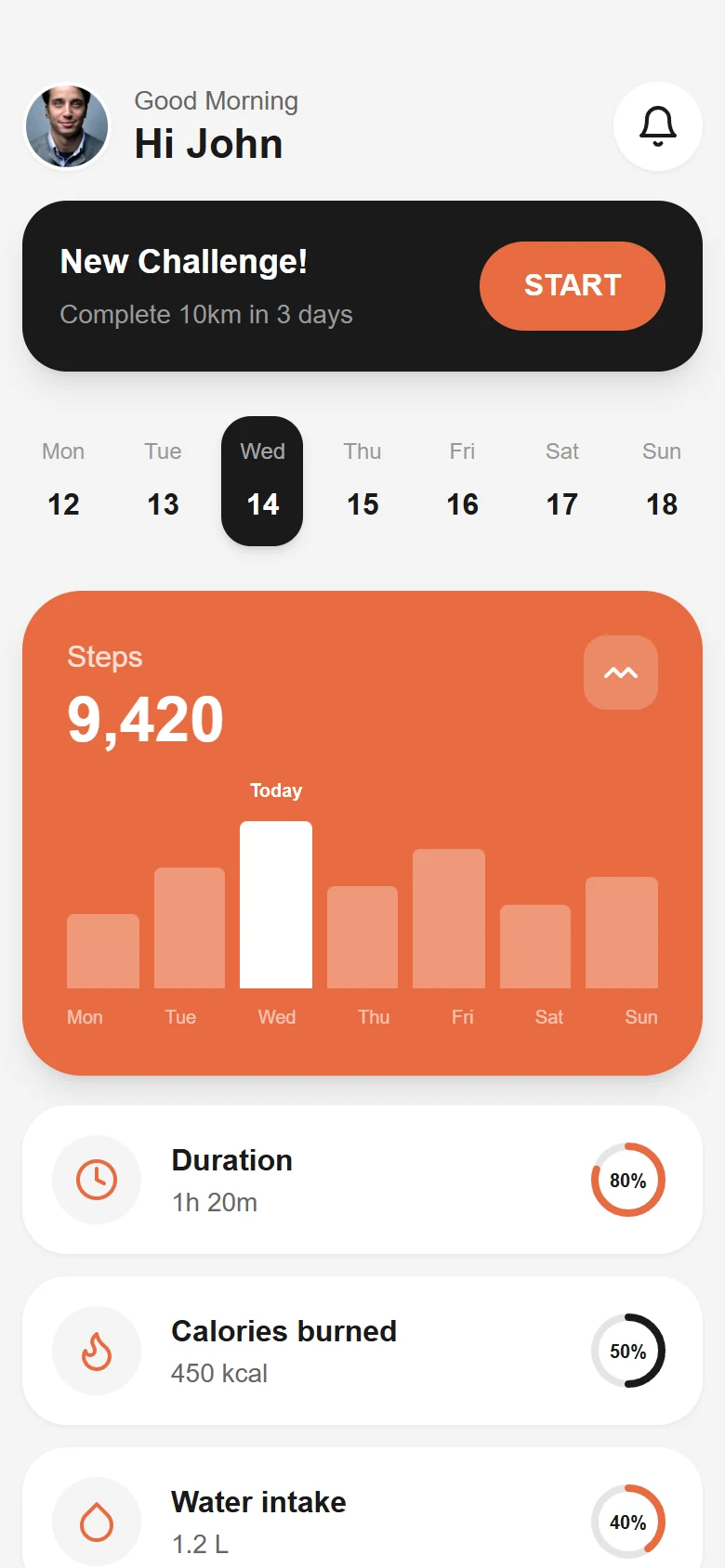
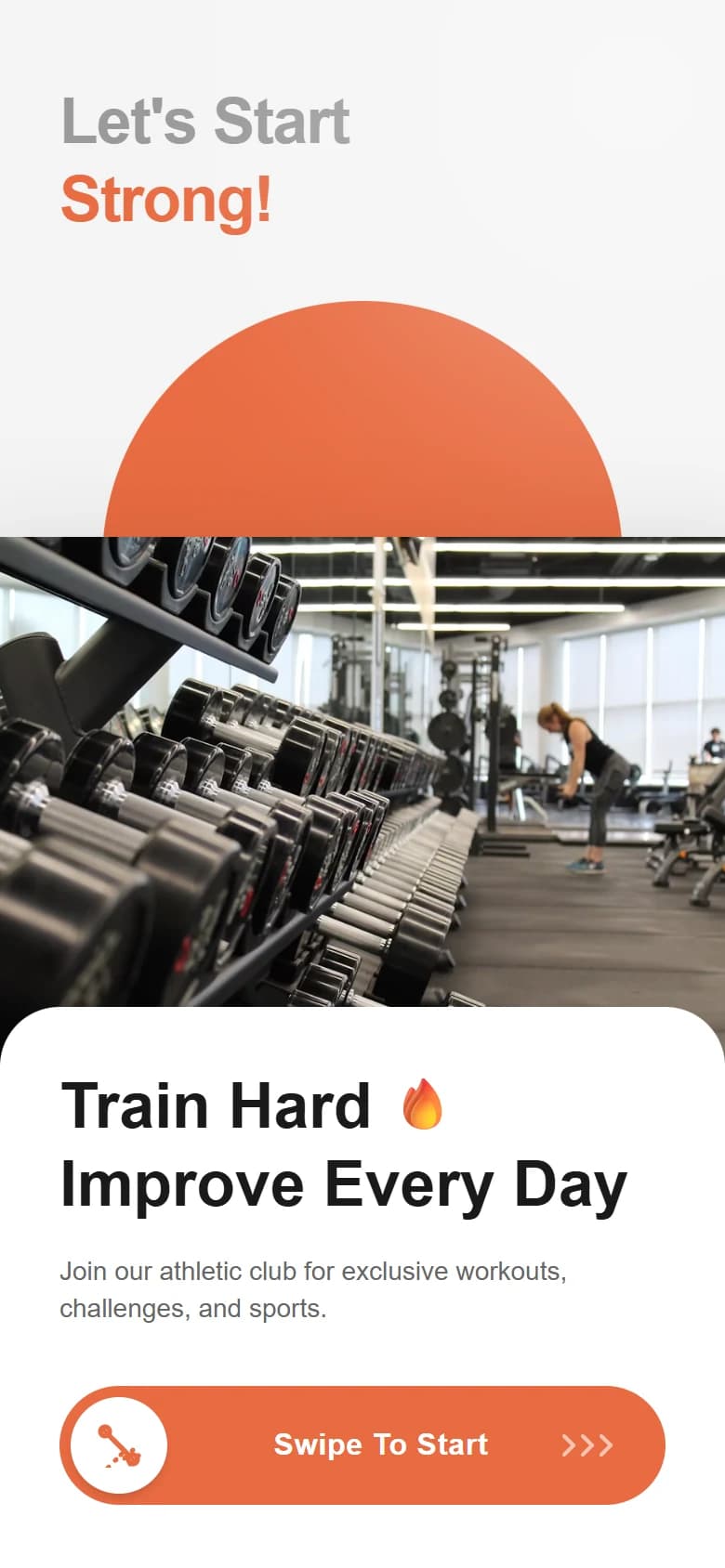
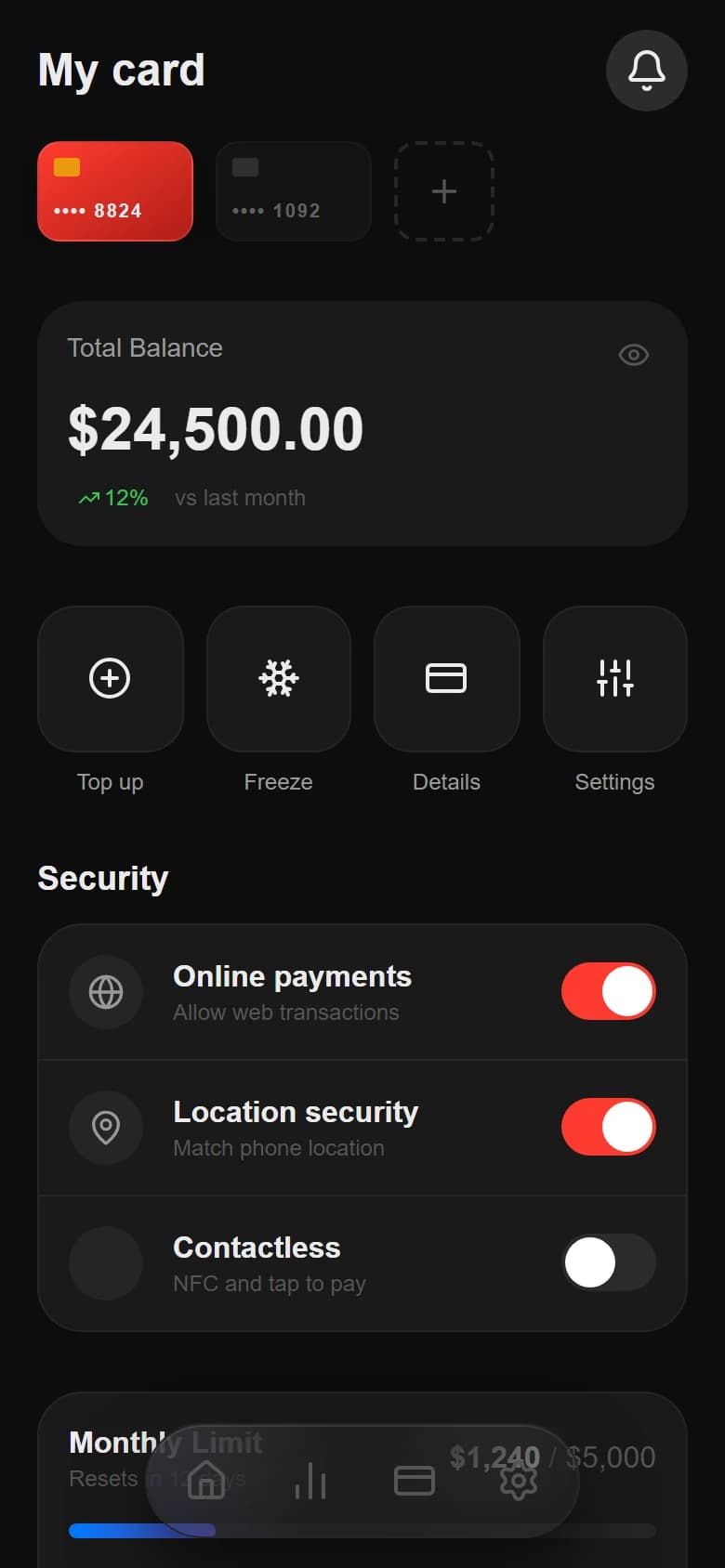
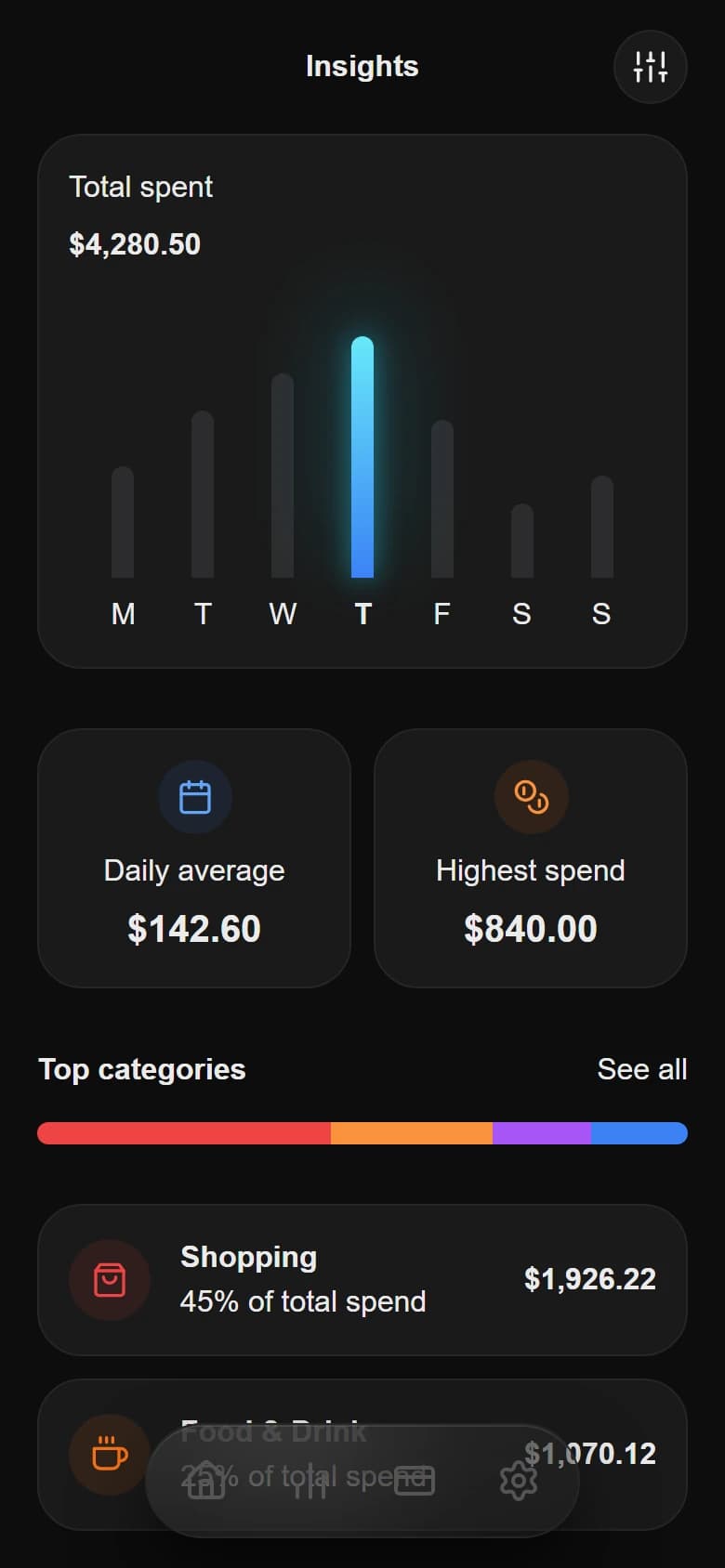
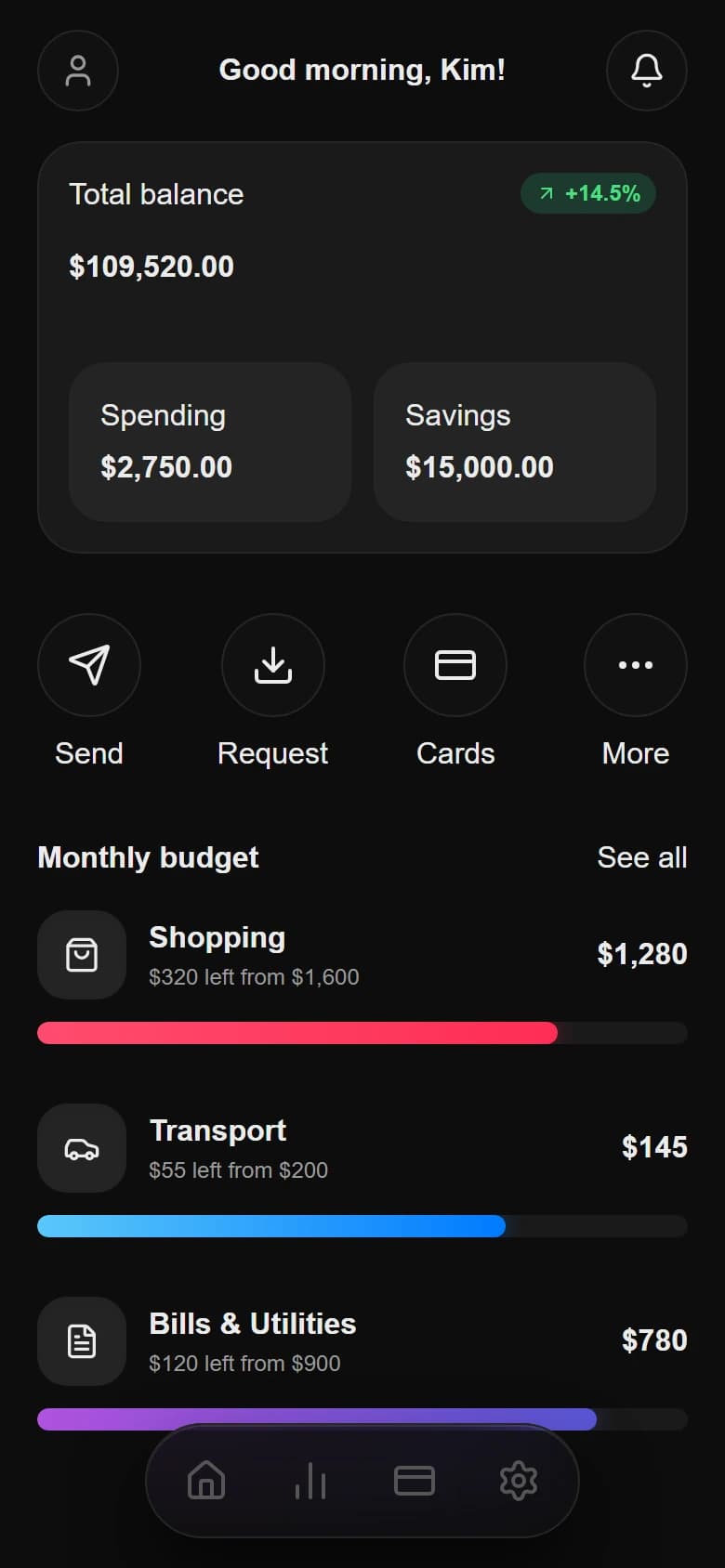
Native mobile UI, ready to ship

Ship beautiful App UIs
at the speed of thought

Drawgle turns prompts into premium mobile UI, then hands agent-ready HTML, design tokens, and implementation context to the coding tools already inside your repository.

Build a modern SaaS pricing page with dark mode...

Watch it live before you give your money to us

User profile photoUser profile photoUser profile photoUser profile photo
15+

Starting at $9 ONLY

How Drawgle works

How an AI mobile app UI designercreates a coherent product.

Drawgle combines product planning, structured component construction, design-token mapping, mobile layout spacing, and targeted editing so generated screens remain consistent and editable after the first result.

Plan connected mobile screen flows

Describe the product in plain English. Drawgle plans the screen structure, shared navigation, and product context before building the initial mobile views.

Product brief, screen plan, and navigation model

Rebuild screenshots as editable UI

Use an uploaded screenshot as structural evidence, or use a visual reference only for typography, surfaces, spacing, and material direction.

Screenshot reconstruction and style references

Map design tokens across every screen

Adjust shared colors, typography, spacing, radii, shadows, and mobile layout tokens from one design-system source of truth.

Shared token map and CSS variables

Refine selected component styling

Select a card, button, section, image, or navigation element and make a scoped change without replacing the surrounding screen.

Targeted canvas edits and image replacement

Start with a prompt, a reference, or simply an idea you cannot stop thinking about.

Templates & Presets

Don't start from scratch.
Fork layouts or remix design styles.

Kickstart your project by borrowing real app flows. Click 'Fork' on any card to copy its page layouts, or 'Remix' to start a new project with its colors, typography, and shadows pre-loaded.

Explore all screens

All layouts are live-rendered, interactive, and ready to export into clean Tailwind CSS and HTML.

Explore the full showcase

Iterate and refine UIs without opening Figma

Stop settling for generic templates. Drawgle acts as your personal design engineer—simply click any component, describe what you want, and watch it perfect your UI line by line.

Select any UI detail
Refine with system tokens
Apply consistently everywhere
index.html
preview
1
2
3
4
5
6
7
8
9
10
11
12
13
14
15
16
17
18
19
20
21
22
23
24
25
26
27
28
29
30
31
32
33
34
35
36
37
38
39
40
41
<header class="flex justify-between items-center px-6 pt-6">
<button class="p-2.5 border border-gray-100 rounded-xl"><Menu size={18} /></button>
<h1 class="text-xl font-black tracking-tighter">JMDF</h1>
<button class="p-2.5 border border-gray-100 rounded-xl"><ShoppingBag size={18} /></button>
</header>
<main class="px-6 mt-6 pb-32 h-full overflow-y-auto">
<!-- Hero Section -->
<div class="hero-section mb-8">
<div class="bg-gray-100 rounded-2xl p-5 relative">
<h2 class="text-lg font-bold">New Arrivals</h2>
<p class="text-sm text-gray-500 mt-1">Explore the latest collection</p>
<img src="/shoes/basic-runner.png" class="w-full h-32 object-contain mt-4" />
<button class="w-full bg-black text-white py-3 rounded-lg mt-4 font-medium">View Product</button>
</div>
</div>
<!-- Categories -->
<div class="flex gap-6 mb-6">
<div class="flex flex-col"><span class="font-bold text-[18px]">Running</span><span class="text-[12px] text-gray-500">4 items</span></div>
<div class="flex flex-col opacity-40"><span class="font-bold text-[18px]">Lifestyle</span><span class="text-[12px] text-gray-500">9 items</span></div>
</div>
<!-- Product Grid -->
<div class="grid grid-cols-2 gap-4">
<div class="bg-[#FAFAFA] rounded-2xl p-4 border border-gray-100 text-center">
<img src="/shoes/shoe1.png" class="w-full h-24 object-contain mix-blend-multiply" />
<div class="mt-3 font-semibold text-[14px]">Aero Glide</div>
<div class="font-bold text-[14px] mt-1 text-gray-500">$120</div>
</div>
</div>
</main>
<!-- Premium Navigation -->
<nav class="fixed bottom-6 left-1/2 -translate-x-1/2 flex items-center justify-between w-[240px] bg-black/90 backdrop-blur-xl rounded-full shadow-[0_20px_40px_rgba(0,0,0,0.2)] border border-white/10 px-2 py-2">
<button class="w-11 h-11 flex items-center justify-center rounded-full text-white"><Home size={22} /></button>
<button class="w-11 h-11 flex items-center justify-center rounded-full text-gray-400"><Search size={22} /></button>
<button class="w-11 h-11 flex items-center justify-center rounded-full text-gray-400"><ShoppingBag size={22} /></button>
<button class="w-11 h-11 flex items-center justify-center rounded-full text-gray-400"><User size={22} /></button>
</nav>
</div>
JMDF
New Arrivals
Explore the latest collection
Running4 items
Lifestyle9 items
Aero Glide
$120
Stratus X
$145
Applying --dg-radius-hero across hero card
The Real Workflow

From mobile UI briefto implementation-ready handoff.

Drawgle keeps the screen plan, structured component construction, design-token map, navigation model, and export context connected throughout the mobile UI workflow.

Building with Drawgle

Clean blueprint

Pinpoint edits

Global tokens

Implementation-ready

Prompt
Refine
Systemize
Handoff

Vague guess

AI design drift

CSS spaghetti

The binary bin

Building with generic AI
Verified Drawgle workflow and output formats
Workflow stageVerified Drawgle outputWorkspace or export evidence

Choose monthly design capacity.
The same editable workflow at every tier.

Every plan includes prompt-to-UI, screenshot reconstruction, design-token editing, Tailwind HTML, and Agent Pack exports. Plans differ by monthly credit capacity.

Starter

Friction Killer

Perfect for upgrading your digital identity, validating concepts, and skeptical developers looking to get started.

$9/ month
Start Building Now
600 AI credits per month
Generate ~30 full screens
20 credits per new parent screen
Screenshot reconstruction and style references
Tailwind HTML and Agent Pack exports
Commercial use permitted under the Terms
Generates:~30 full screens/mo

Pro

Best value

Higher monthly capacity for active builders producing larger mobile UI projects.

$29/ month
Choose Pro Plan
2,400 AI credits per month
Generate ~120 full screens
All editor and export features
Shared design tokens and navigation
Selected element and region edits
Commercial use permitted under the Terms
Generates:~120 full screens/mo

Studio

High capacity

High monthly generation capacity for agencies, studios, and builders managing larger mobile UI workloads.

$79/ month
Choose Studio Plan
8,000 AI credits per month
Generate ~400 full screens
High-volume multi-screen planning
Shared design tokens and navigation
Tailwind HTML and Agent Pack exports
Commercial use permitted under the Terms
Generates:~400 full screens/mo

Payments are processed securely withdodopayments

Core Features

Modern mobile UI,built as a coherent visual system.

Control layer order, component containment, mobile spacing, typography roles, surface hierarchy, radii, borders, shadows, shared navigation, and design-token mapping.

Control the shared design-token map

Adjust a color, font, spacing value, corner radius, or shadow once. Every connected screen updates live without regenerating your work.

Refine selected component styling

Select a card, button, section, or navigation item and describe the improvement. Drawgle edits that part while preserving everything around it.

Recreate a screenshot into editable UI

Upload a UI screenshot when you want its layout rebuilt as a real, editable screen instead of receiving a flattened image.

Borrow the style, not the product

Use any interface as visual inspiration. Drawgle carries over its mood, surfaces, typography, and rhythm while designing your own app and features.

Build a connected mobile product

Generate multiple screens with shared navigation and one consistent visual language, so dashboards, details, and flows feel like the same product.

Preserve project context across iterations

Drawgle keeps your audience, goals, features, visual direction, and earlier decisions in context when you add or refine screens later.

Replace images without rebuilding the screen

Select an image or visual placeholder, upload the right asset, and replace it in place while keeping the surrounding layout intact.

Keep the result editable after generation

The first output is a starting point, not a dead export. Continue adding screens, changing the system, and refining details on the same canvas.

Export implementation-ready HTML and Agent Packs

Download standalone Tailwind HTML plus a structured Agent Pack with design tokens, assets, screens, a manifest, and implementation instructions.

Questions, answered

Everything you needbefore you start.

Direct answers about AI mobile app UI design, screenshot reconstruction, design tokens, editable screens, and developer handoff.

Still have a question?
01What is an AI mobile app UI designer?

An AI mobile app UI designer turns a product brief or visual reference into mobile interface screens. Drawgle adds shared design tokens, navigation context, editable screen structure, and developer handoff files so the result can continue beyond a static mockup.

02What does Drawgle actually create?

Drawgle turns a plain-language brief into polished, editable mobile app screens. It can design individual screens or a connected multi-screen product while keeping the same visual language throughout.

03Can I start from an existing screenshot?

Yes. Upload a UI screenshot and Drawgle can rebuild its structure as an editable screen. You can then change the content, visual direction, components, and layout instead of being stuck with a flat image.

04Can I use another interface only as a style reference?

Yes. A style reference transfers the visual qualities you like, such as typography, spacing, surfaces, color mood, and component treatment, without copying the original product or its features.

05Will all of my app screens look consistent?

That is a core part of Drawgle. Your project keeps a shared design system, navigation model, product context, and visual direction so new screens feel like they belong to the same app.

06Can I change one part without regenerating everything?

Yes. Select a card, button, section, image, or navigation element and describe the exact change. Drawgle refines that selection while preserving the rest of the screen.

07What happens when I update a design token?

Changing a shared token, such as a color, radius, spacing value, or shadow, updates every connected screen that uses it. This lets you refine the whole product without repeating the same edit screen by screen.

08Are the generated screens editable?

Yes. The first result is a starting point, not a flattened export. You can continue adding screens, replacing images, changing the design system, and refining individual details on the same canvas.

09Can Drawgle create polished modern mobile app designs?

Drawgle plans component construction, mobile spacing, typography roles, surface hierarchy, visual layering, navigation, and shared design tokens before building each screen. Generated output remains editable and should be reviewed before implementation.

10Does Drawgle generate real app structure or disconnected mockups?

Drawgle is built for complete mobile products. It can maintain shared navigation, screen relationships, project context, and reusable visual decisions across the app rather than producing isolated pages.

11How does Drawgle hand designs to developers?

Drawgle exports standalone Tailwind HTML and a structured Agent Pack containing screen files, design tokens, assets, a manifest, Design.md, and implementation instructions for coding agents.

12Do I need design or coding experience?

No. You can describe what you want in normal language and refine it visually. Drawgle handles the underlying design system and screen structure while keeping the result editable for deeper control.

Ready to Build?

Design modern mobile UI.Hand it off with context.

Move from a product brief or screenshot to an editable screen flow, then export Tailwind HTML, shared design tokens, and structured implementation instructions.

Design Your First Screen

No complex prompting. Tweak everything visually in the canvas.